LAN only — no cloud, no account

Sigil

A private phone remote for a Windows streaming setup.

Sigil turns a phone browser into a fast LAN remote for a streaming PC — no cloud, no account, no remote-desktop service. Everything runs between your phone and your PC over your own network.

Large controls and phone-first interaction, shaped around chronic hand pain and staying on the couch.

How it works ↓
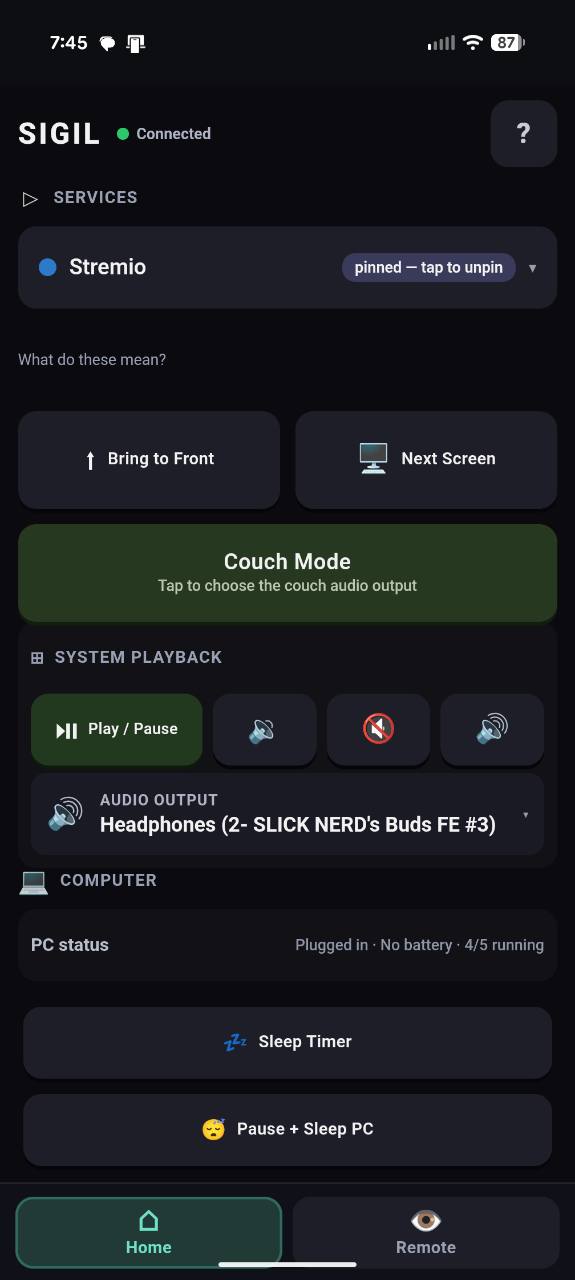
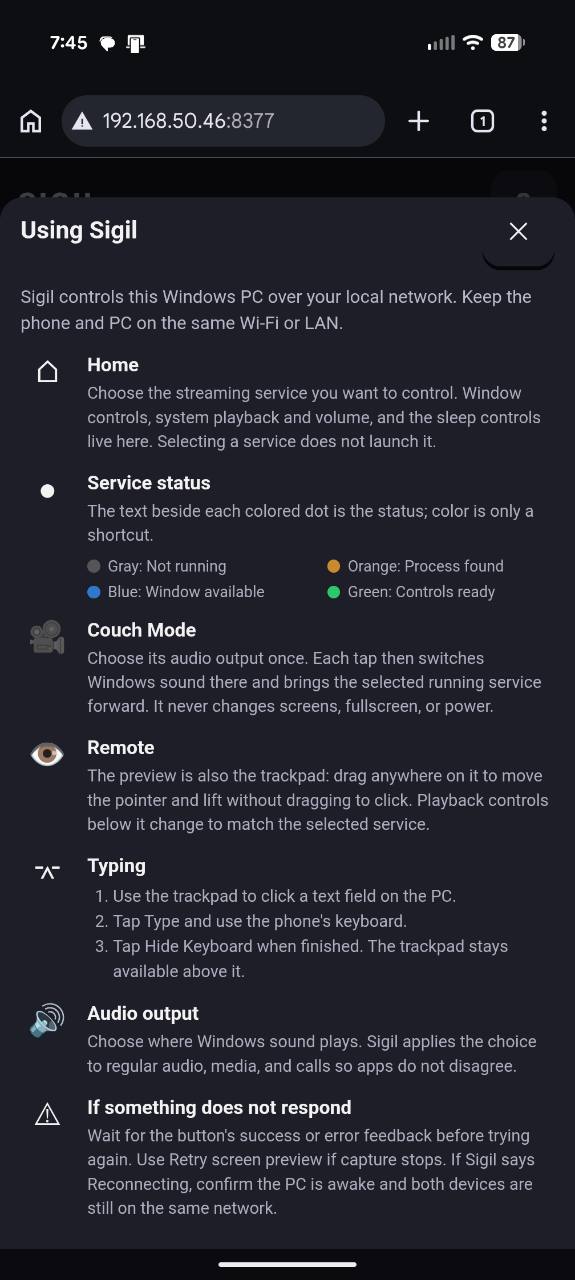
Sigil's Home screen on a phone, showing streaming service buttons, system and per-app volume controls, and playback controls
Two modes

Home for control. Remote for the screen.

Sigil is built around two screens on your phone, switched with a tap.

Home

Everything you need without looking at the TV.

  • Choose a service: Stremio, Netflix, Twitch, Kick, or VLC
  • System playback control
  • System volume and per-app volume
  • Audio-output switching
  • Sleep timer
  • Pause and sleep the PC
  • Couch Mode

Remote

For when you actually need to see and touch the screen.

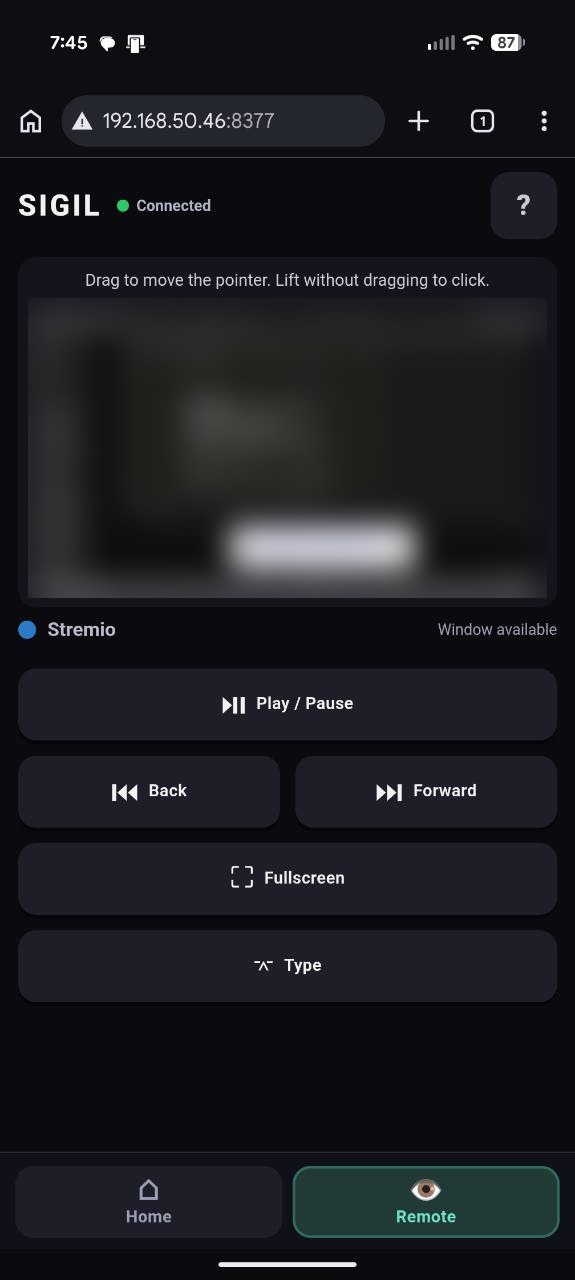
  • Live screen preview
  • Touchpad with relative pointer control and tap-to-click
  • Playback controls
  • Type into the active window using your phone's keyboard
What it does

Everything you'd get up for, from the couch.

Multi-service remote

Stremio, Netflix, Twitch, Kick, and VLC, all from one screen.

Live screen preview

See the PC's screen on your phone, with a touchpad and tap-to-click.

Phone keyboard, PC window

Type on the PC using your phone's own keyboard.

Audio control

System volume, per-app volume, and audio-output switching.

Sleep timer

Set a sleep timer, or pause and sleep the PC directly.

Persistent pairing

Reconnect handling for a pairing that holds up — local network only.

Streaming from a PC shouldn't mean getting up whenever a search box, a Skip Intro button, a subtitle menu, or the wrong display gets in the way.

Sigil keeps that control in your hand instead — without a cloud account, and without leaving the couch.

How it works

Three steps.

1

Run the host

A small Windows host runs on your streaming PC.

2

Pair your phone

Pair a phone on the same local network.

3

Control from the couch

Switch services, control playback and audio, or open Remote for the screen.

Gallery

What it looks like.