This is free software I have laboured on intensely, and its sole intention is to get into the hands of people who need it. That is virtually impossible without funding. Beta testing gets you free favour points with me and my deepest appreciation — and potentially an app that saves you a lot of time and pain. Thank you.
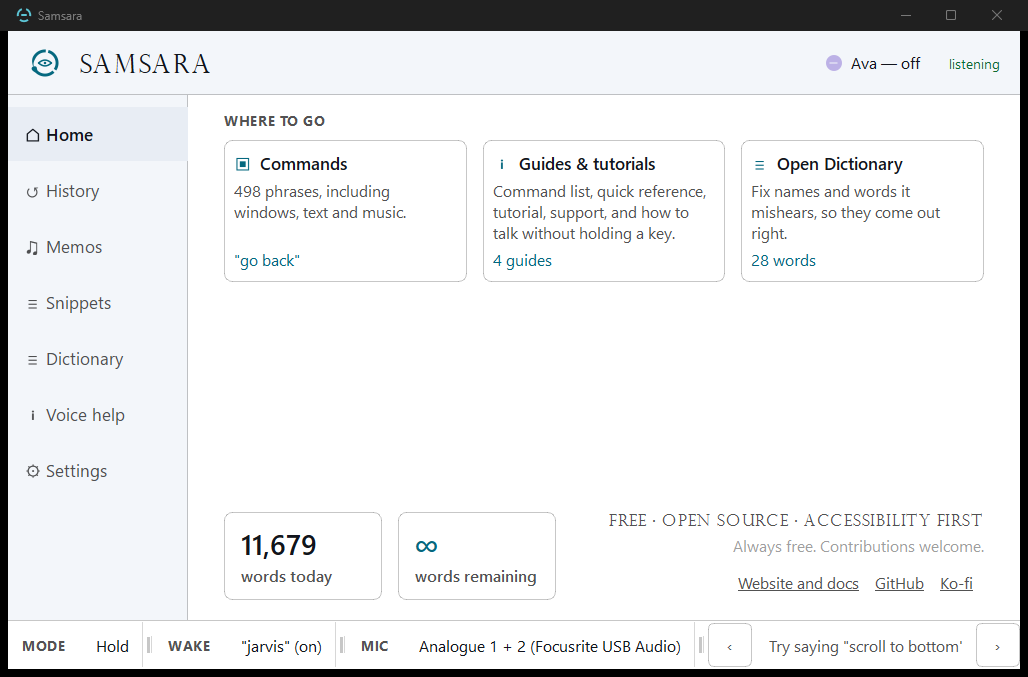
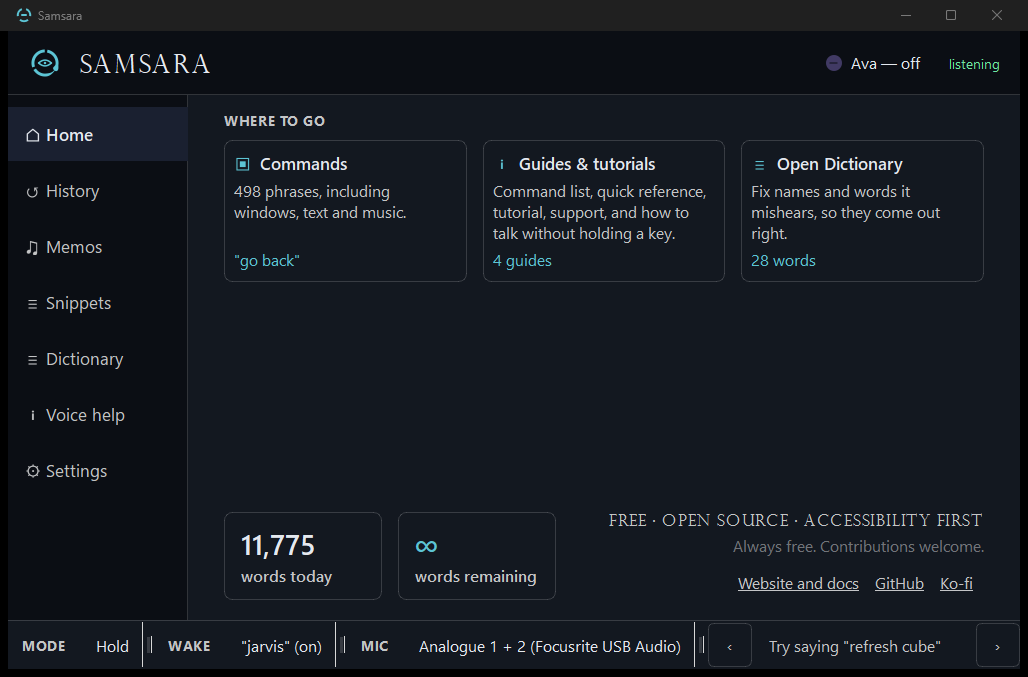
Samsara is a local-first voice assistant for Windows. One persistent HANDS FREE lane: dictate naturally across pauses, fire exact commands between thoughts, say “finish” to paste. Your voice never leaves your machine unless you deliberately enable a cloud feature. Built first for one developer whose hands hurt; released for everyone’s.
Samsara is an attempt to combine all of modern day's most powerful and effective accessibility systems into a single place. A place that is forever free, open source, and which doesn't require accounts or internet connections.
It's a goal: to take some of the weight off the shoulders of those in our society who are so often forced to carry heavier loads, with less support.
We need more accessibility advocates. We need better access to advanced accessibility systems. If any of these ideas resonate with you, please consider becoming a part of it by joining the beta. This project can't get funding without users. And no matter who you are, there are at least some features of this free application that can help you in your daily life.
— Morne
What it does
Dictate and control Windows in one persistent hands-free session.
Speech becomes buffered dictation; exact commands — “scroll down”, “show numbers”, “switch window” — fire instantly without leaving the lane. “finish” pastes the whole thought. Hold-to-dictate and wake words still work too.
Dictate, and fix it by voice
Speak in whole thoughts. Pauses do not cut you off; "end" pastes the lot. When a word comes out wrong, the correction is also a phrase.
"scratch that"
"select to end"
"retype that"
53 commands
Windows and apps
Move, snap, focus and close windows, and open the app you want, without reaching for a mouse.
"snap left"
"move to left monitor"
"switch to"
60 commands
See it, say it, click it
Numbered overlays put a label on anything clickable. Magnifier, colour filters, cursor and text size are all one phrase away.
"show numbers"
"bigger text"
"color filters"
67 commands
Ava, when you want her
Frequent commands stay deterministic. Open-ended ones can go to an assistant you configure — local, or your own cloud key.
"ava forget"
"cloud mode"
"brain dump"
59 commands
Browsers, media and music
Tabs, the address bar and history in the browser; playback, volume and what is on screen everywhere else.
"address bar"
"next song"
"open twitch"
55 commands
And the rest of it
Timers, reminders, task lists, screen recording, macros, smart lights, a 3D printer, and the keys and clicks everything else is built from.
"take a break"
"add task"
"record screen"
192 commands
Design principle
Reduce.
Every change must remove a step — less friction, less cognitive load, less cost per interaction.
Software assumes interaction is cheap. For chronic pain, ADHD, or limited energy, it isn’t — Samsara starts from that.
Living with ADHD, "work smart, not hard" stopped being a productivity slogan and became survival logic. I was already working hard just existing in a room.
Under the hood
Local. Fast. Honestly built.
No marketing trick replaces engineering. Here's what's actually under it.
Local-first audio pipeline
WASAPI capture, faster-whisper transcription — GPU optional, CPU fine. Local by design; network features are opt-in and labeled.
Streaming dictation
Live partials float in an overlay; the final paste swaps drafts through a clean undo-cycle.
Hardware integration
Direct ctypes calls into IAudioEndpointVolume for volume control (because pycaw proved unreliable). TCP M-code protocol for FlashForge printers. JSON-RPC for Hyperion LED strips. AHK for Electron apps that ignore Win32.
Plugin system
Drop a Python file in plugins/commands/, add @command — that’s a voice command. Ships with plugins for smart home, music, printers, macros, screen recording, reminders, Ava, and more.
Deterministic first. AI when needed.
Frequent commands stay deterministic — no AI, no latency, no misunderstanding. Open-ended requests can route to AI you configure: local LLMs or your own keys. You set the boundary.
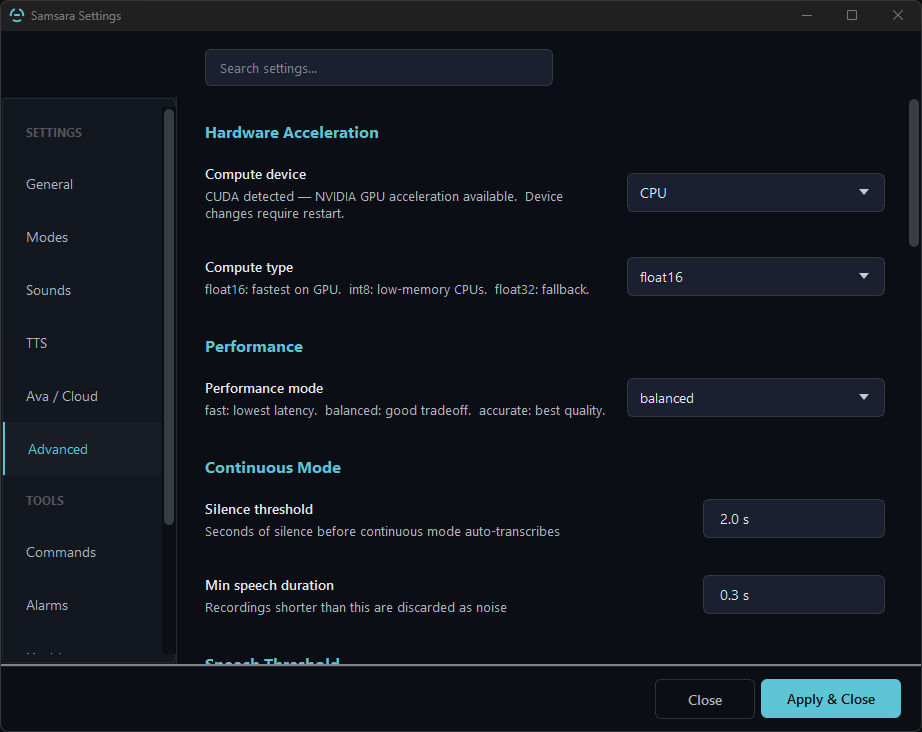
The Advanced tab — hardware acceleration, performance mode, and continuous-mode timing. Most users never need to touch it; the defaults are sensible.The live indicator while recording — a red REC chip above the mode pill. Always visible, never in the way.
Stack
Nothing fancy. Just things that work.
For the technically curious. You don't need to know any of this to use Samsara.
Python 3.10+
faster-whisper
Tkinter
PyInstaller
pywin32
SQLite
Hyperion
FlashForge M-code
Spotify API
AutoHotkey v1
On the roadmap
Where this is going.
v0.22.1: HANDS FREE is one persistent lane — pauses no longer paste fragments; “end” commits the whole thought while the session stays live.
Also new: DOM-aware Show Numbers, high-DPI fixes, voice-managed vocabulary, config backup, OpenRouter for cloud Ava, local-only Task Lists.
Next: stabilize with real users, then the ambient Ava workflow — direct agents and triage information without touching a keyboard.
Shipped — v0.22.1, the public download
Privacy-explicit one-click updates for packaged Windows buildsusers can check GitHub Releases manually or explicitly enable a once-daily check; automatic…
Verified portable update swapSamsara verifies the release ZIP against its published SHA-256 before replacing application…
Lotus-wheel app iconon the window, taskbar, and EXE, plus a taskbar AUMID for correct taskbar grouping
App lifecycle voice commands9 new commands to start, stop, and restart Strata, Ariadne, and the Sigil server by voice
In-app feedback workflowstructured bug and beta-feedback reporting from Settings and always-on voice commands, with…
Persistent HANDS FREE dictation and commandsnatural pauses no longer paste partial fragments
Speech-aware hold-to-record release tailcapture continues only until the user's final speech ends (with a bounded fail-safe)…
DOM-aware Show Numbers for Chromium browsersa bundled Manifest V3 extension and mutually authenticated loopback bridge expose visible page…
In the beta — v0.23.0-beta.1, 2026-09-13
Sleep phrases"go to sleep", "samsara sleep" or "sleep now", said on their own, end the hands-free session…
Wake word can open hands-freewith wake_word_config.opens_session (config file, off by default) the wake phrase opens the…
Screen destinations by position"put warp on the left screen", "... right / middle / top / bottom screen", "the other screen"…
Play a playlist by name"play my alternative rock playlist" / "play something from ..." goes to Spotify and only…
"Tell Claude ..."prepares a message for the Claude desktop app and asks "Send to Claude: ...?"
Outcome chipthe listening indicator now shows what just happened: a tick for a command that ran, MISS…
Window cubea pinned, numbered, always-on-top list of open windows; say a number to switch
Verbatim dictation profilefor terminals and URL bars, plus a spoken toggle
Next
Stabilize with real users
The ambient Ava workflow — direct agents and triage information without touching a keyboard
Shipped and beta items are generated from CHANGELOG.md in the Samsara source; nothing is ticked before it is in a build you can download.
Every roadmap item is filtered through the same question: does this reduce a step somewhere?
Get it
Free for everyone. Open source.
No installer — just extract and run. The standard download is the verified CPU build. The separate CUDA runtime pack is optional; no NVIDIA GPU is required.