Local. Fast. Honestly built.
No marketing trick replaces engineering. Here's what's actually under it.
Local-first audio pipeline
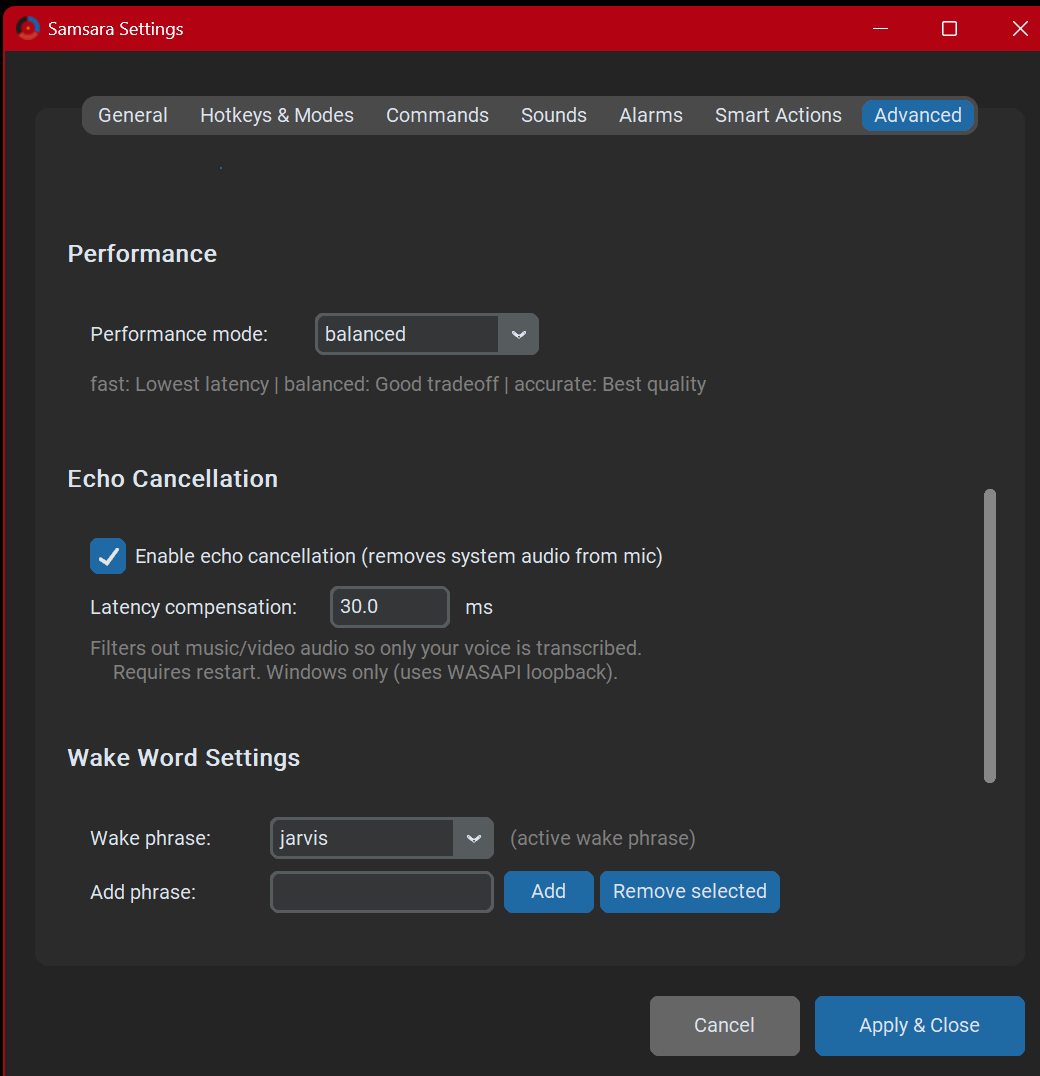
WASAPI capture, faster-whisper transcription — GPU optional, CPU fine. Local by design; network features are opt-in and labeled.
Streaming dictation
Live partials float in an overlay; the final paste swaps drafts through a clean undo-cycle.
Hardware integration
Direct ctypes calls into IAudioEndpointVolume for volume control (because pycaw proved unreliable). TCP M-code protocol for FlashForge printers. JSON-RPC for Hyperion LED strips. AHK for Electron apps that ignore Win32.
Plugin system
Drop a Python file in plugins/commands/, add @command — that’s a voice command. Ships with plugins for smart home, music, printers, macros, screen recording, reminders, Ava, and more.
Deterministic first. AI when needed.
Frequent commands stay deterministic — no AI, no latency, no misunderstanding. Open-ended requests can route to AI you configure: local LLMs or your own keys. You set the boundary.

Nothing fancy. Just things that work.
For the technically curious. You don't need to know any of this to use Samsara.
Demo, recorded in the garage.
A real session, real desk, no edits beyond trim. Wake word, lights, apps, dictation, a sketch on the side.
Originally posted to Instagram. Sound on recommended.
Where this is going.
v0.22.1: HANDS FREE is one persistent lane — pauses no longer paste fragments; “end” commits the whole thought while the session stays live.
Also new: DOM-aware Show Numbers, high-DPI fixes, voice-managed vocabulary, config backup, OpenRouter for cloud Ava, local-only Task Lists.
Next: stabilize with real users, then the ambient Ava workflow — direct agents and triage information without touching a keyboard.
Every roadmap item is filtered through the same question: does this reduce a step somewhere?
Free for everyone. Open source.
No installer — just extract and run. The standard download is the verified CPU build. The separate CUDA runtime pack is optional; no NVIDIA GPU is required.
Windows only for now. Beta testers welcome — bug reports are the only currency this project accepts.
Free of cost
No purchases, subscriptions, or limits — ever.
Local-first, with disclosed network features
No account, no email, no telemetry. Core dictation never touches a server of mine.
Free of lock-in
AGPL-3.0, source public today — if I vanish, anyone can carry it on. You can’t be stranded.
Dictation, commands, wake words, history: local. Only opt-in features touch the network — model download, TTS, cloud Ava, your own webhooks.
Free forever — nothing is ever locked behind payment. Optional cloud AI just needs your own key.
First run
Extract, run Samsara.exe, follow the wizard. Hold the dictation key to talk — or turn on HANDS FREE and say “end” when a thought’s ready. Wake words optional; the docs cover CUDA and the browser extension.
Licensed under AGPL-3.0 — free and open source, including for commercial use.
Common questions.
Does it work with a quiet voice?
Yes — the matcher is tolerant. Quiet voices do best with a close mic.
What about accents?
Whisper handles most English accents well; persistent misses go in the custom dictionary.
Can I use it lying down?
Yes — wake words mean never reaching for a key. A headset helps.
Will it conflict with NVDA or other screen readers?
Not intentionally — it doesn’t touch focus or screen-reader output, but edge cases are untested. Report anything that breaks.
Do I need an NVIDIA GPU?
No — the standard build is CPU. An NVIDIA GPU can accelerate via the optional CUDA pack.
What happens if you stop maintaining Samsara?
AGPL-3.0, public today. Forkable forever — you won’t be stranded.
Bugs, ideas, or just hello.
Samsara is early-stage. Things will break. Telling me when they do is the most useful thing you can do for this project.
Samsara is free and stays free. If it saves your hands and you want to send a coffee, I won't say no — but please don't feel you have to.